
Enhance your viewing experience
Skip the 5 Subscriptions Get 1 That
IPTV UK Made Simple: Cancel the Rest, Watch Everything on One Subscription.
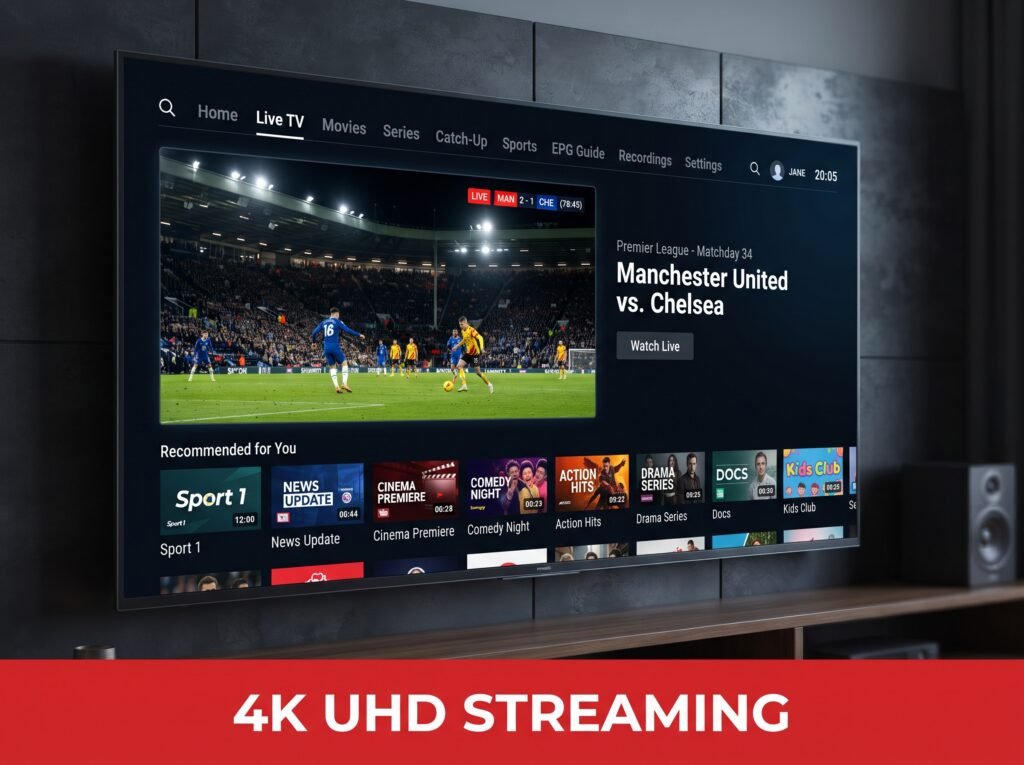
ONLINE IPTV UK STREAMING
Looking for IPTV UK subscription?
You’re in the perfect spot 🤩
TvPickes is a United Kingdom IPTV (IPTV UK) service delivering a premium streaming experience, offering 50,000+ HD, FHD, 4K channels plus PPV movies and series that stay fully up-to-date.
COMPATIBILITY
Our IPTV UK service runs on Android Box, Android Phone/Tablet, Pc/Laptop, MAG, Smart TV, XBOX, KODI, iOS + Apple Devices.
SERVER STABILITY
No more interruptions - our IPTV UK servers are advanced and high-performance, delivering flawless streaming.
CONNECT ANYWHERE
Watch your IPTV UK channels anywhere, anytime. Simply connect your application to the internet.
MULTI ACCESS
Access all your devices with one IPTV UK account and enjoy an extra connection at a discounted price.
ONE SERVICE.
EVERYTHING YOU LOVE.
Stop juggling multiple subscriptions and apps. See why TVPickes makes entertainment simpler.
Multiple Services
- ✕ Multiple subscriptions
- ✕ Multiple monthly bills
- ✕ Multiple apps
- ✕ Separate sports services
- ✕ Separate movie services
- ✕ More subscriptions to manage
TVPickes
- ✓ Live TV channels
- ✓ Live sports
- ✓ Movies & series
- ✓ One simple subscription
- ✓ One convenient service
- ✓ Less subscription hassle
READY TO SIMPLIFY YOUR ENTERTAINMENT?
One subscription. More entertainment. Less hassle.
GET TVPICKES TODAYIPTV UK: Latest Movies & Series
















































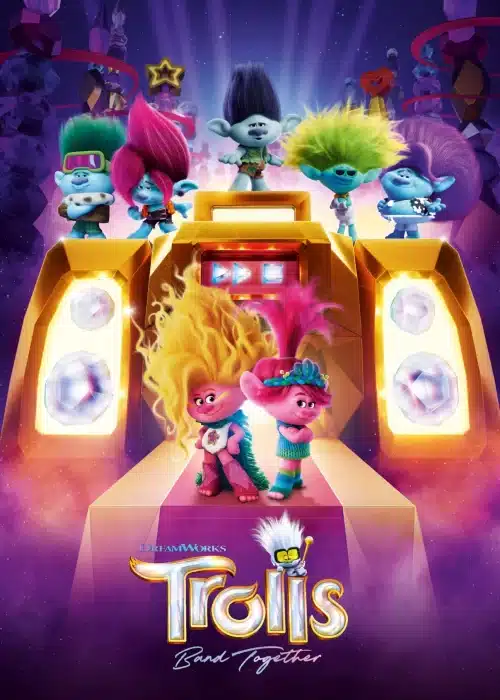



















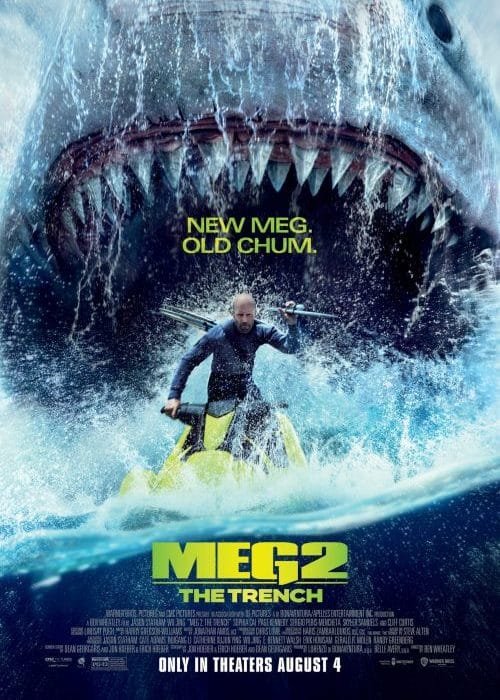





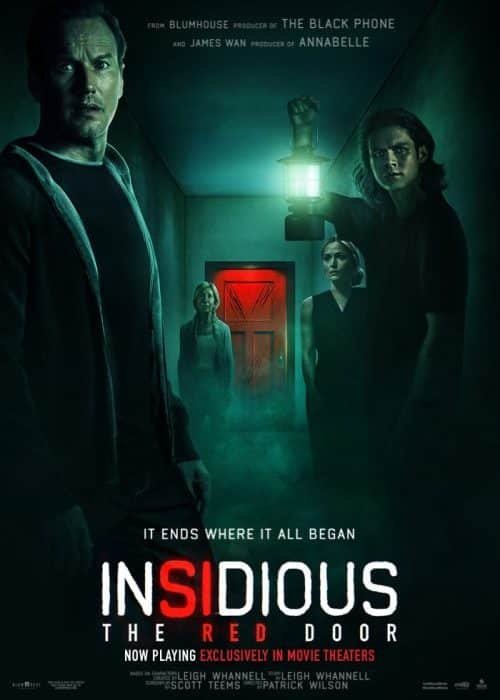
































Fast and quality service
Catch the best IPTV UK shows and football matches on any device, anytime, with a simple internet connection.
- Access premium IPTV UK entertainment with a wide range of live TV channels, exclusive content, and sports packages.
- Pick from a range of affordable IPTV UK subscription plans designed for your budget and viewing preferences.
- Get the best IPTV UK streaming experience with crystal-clear, uninterrupted viewing.
- Our dedicated IPTV UK support team is always ready to help our valuable customers 24/7.
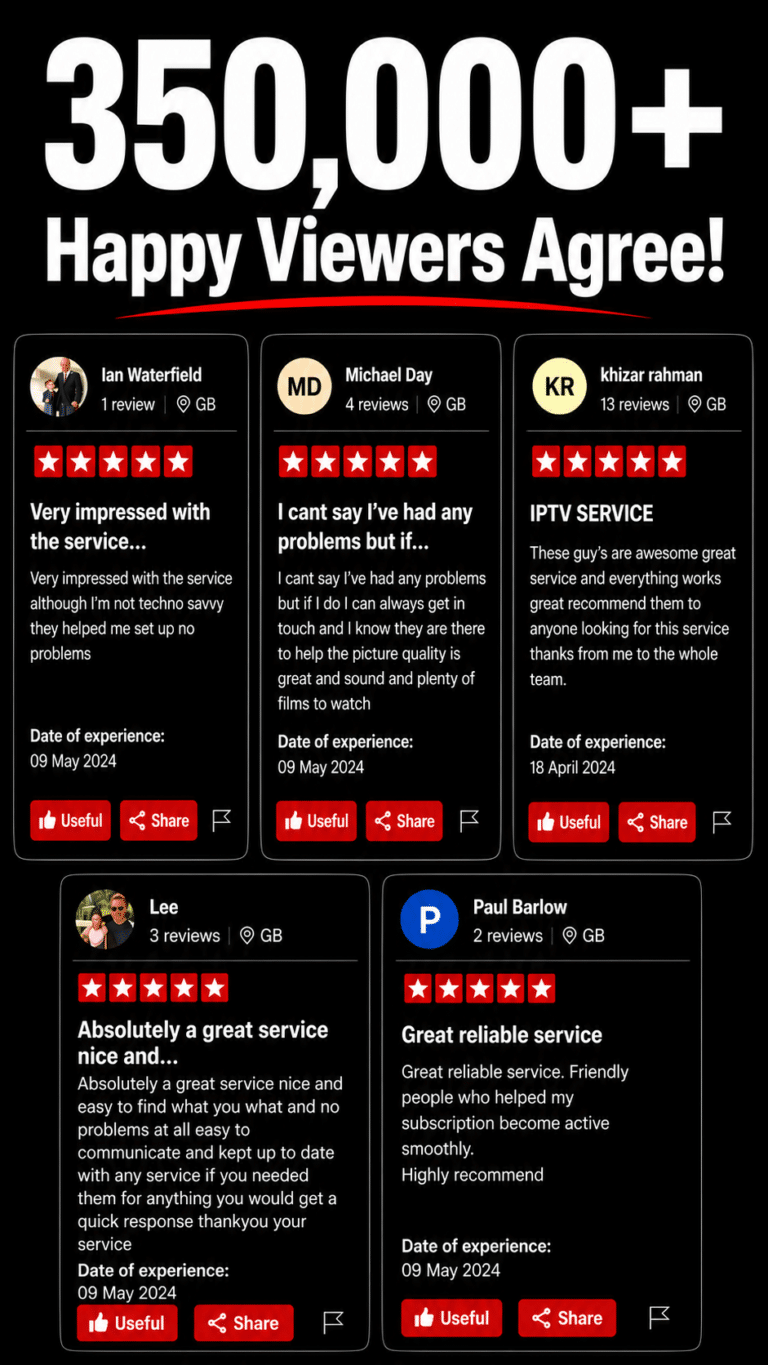
Join 350,000+ households already streaming Pick what fits.
🛡️ 7-Day Money Back Guarantee – No questions asked
- 1 Device
- 2 Devices
- 3 Devices
£9.99 /Starter Plan
- Watching Within Minutes
- +55,000 Live Channels
- +200,000 (Movies & Series)
- 4K, UHD, FHD, HD, Channels
- Streams That Don't Drop Out
- Auto-Backup on Drops
- Always On When You Are
- Catch-up and EPG
- Compatible with All Devices
- Always On, No Downtime
- 7 days money back guarantee
- Encrypted and Secure Payments
£25.99 /Quarterly +
- Watching Within Minutes
- +55,000 Live Channels
- +200,000 (Movies & Series)
- 4K, UHD, FHD, HD, Channels
- Streams That Don't Drop Out
- Auto-Backup on Drops
- Always On When You Are
- Catch-up and EPG
- Compatible with All Devices
- Always On, No Downtime
- 7 days money back guarantee
- Encrypted and Secure Payments
£39.99 /Half Year
- Watching Within Minutes
- +55,000 Live Channels
- +200,000 (Movies & Series)
- 4K, UHD, FHD, HD, Channels
- Streams That Don't Drop Out
- Auto-Backup on Drops
- Always On When You Are
- Catch-up and EPG
- Compatible with All Devices
- Always On, No Downtime
- 7 days money back guarantee
- Encrypted and Secure Payments
£59.99 / £5/mo
- Watching Within Minutes
- +55,000 Live Channels
- +200,000 (Movies & Series)
- 4K, UHD, FHD, HD, Channels
- Streams That Don't Drop Out
- Auto-Backup on Drops
- Always On When You Are
- Catch-up and EPG
- Compatible with All Devices
- Always On, No Downtime
- 7 days money back guarantee
- Encrypted and Secure Payments
£27.73 /Duo Plan
- Watching Within Minutes
- +55,000 Live Channels
- +200,000 (Movies & Series)
- 4K, UHD, FHD, HD, Channels
- Streams That Don't Drop Out
- Auto-Backup on Drops
- Always On When You Are
- Catch-up and EPG
- Compatible with All Devices
- Always On, No Downtime
- 7 days money back guarantee
- Encrypted and Secure Payments
£48.08 /Duo Deal
- Watching Within Minutes
- +55,000 Live Channels
- +200,000 (Movies & Series)
- 4K, UHD, FHD, HD, Channels
- Streams That Don't Drop Out
- Auto-Backup on Drops
- Always On When You Are
- Catch-up and EPG
- Compatible with All Devices
- Always On, No Downtime
- 7 days money back guarantee
- Encrypted and Secure Payments
£73.98 /Duo Saver
- Watching Within Minutes
- +55,000 Live Channels
- +200,000 (Movies & Series)
- 4K, UHD, FHD, HD, Channels
- Streams That Don't Drop Out
- Auto-Backup on Drops
- Always On When You Are
- Catch-up and EPG
- Compatible with All Devices
- Always On, No Downtime
- 7 days money back guarantee
- Encrypted and Secure Payments
£110.98 /Duo +
- Watching Within Minutes
- +55,000 Live Channels
- +200,000 (Movies & Series)
- 4K, UHD, FHD, HD, Channels
- Streams That Don't Drop Out
- Auto-Backup on Drops
- Always On When You Are
- Catch-up and EPG
- Compatible with All Devices
- Always On, No Downtime
- 7 days money back guarantee
- Encrypted and Secure Payments
£39.22 /Family Plan
- Watching Within Minutes
- +55,000 Live Channels
- +200,000 (Movies & Series)
- 4K, UHD, FHD, HD, Channels
- Streams That Don't Drop Out
- Auto-Backup on Drops
- Always On When You Are
- Catch-up and EPG
- Compatible with All Devices
- Always On, No Downtime
- 7 days money back guarantee
- Encrypted and Secure Payments
£68.87 /Smart +
- Watching Within Minutes
- +55,000 Live Channels
- +200,000 (Movies & Series)
- 4K, UHD, FHD, HD, Channels
- Streams That Don't Drop Out
- Auto-Backup on Drops
- Always On When You Are
- Catch-up and EPG
- Compatible with All Devices
- Always On, No Downtime
- 7 days money back guarantee
- Encrypted and Secure Payments
£105.97 /Family Flex
- Watching Within Minutes
- +55,000 Live Channels
- +200,000 (Movies & Series)
- 4K, UHD, FHD, HD, Channels
- Streams That Don't Drop Out
- Auto-Backup on Drops
- Always On When You Are
- Catch-up and EPG
- Compatible with All Devices
- Always On, No Downtime
- 7 days money back guarantee
- Encrypted and Secure Payments
£158.97 /Family +
- Watching Within Minutes
- +55,000 Live Channels
- +200,000 (Movies & Series)
- 4K, UHD, FHD, HD, Channels
- Streams That Don't Drop Out
- Auto-Backup on Drops
- Always On When You Are
- Catch-up and EPG
- Compatible with All Devices
- Always On, No Downtime
- 7 days money back guarantee
- Encrypted and Secure Payments
OUR PROMISE
- Anti-freeze servers, 99.99% uptime Built to hold up during peak-time load, so it doesn't buffer or drop right when the big match kicks off.
- 24/7 live support via chat & WhatsApp A real person answers when something goes wrong — not a ticket queue that goes quiet.
- 7-day money-back guarantee, no questions asked If it's not right for you, you get your money back, full stop.
- No long-term lock-in Plans are billed per term, not auto-renewed behind your back — cancel or switch whenever you want.
- Instant activation Sign up and start streaming within minutes, no waiting around for account setup.
- Real 4K/UHD picture quality Genuine high-definition streams, not an "HD" label on a picture that doesn't hold up.
- EPG + catch-up TV built in Miss the kickoff? Pull up the replay instead of losing the match entirely.
Instant Delivery
Fast and convenient service
Payment
Satisfied or refunded
Online Support
Top notch customer service.
Flexible Payment
Pay with Multiple Credit Cards
Is There IPTV UK After-Sales Service?
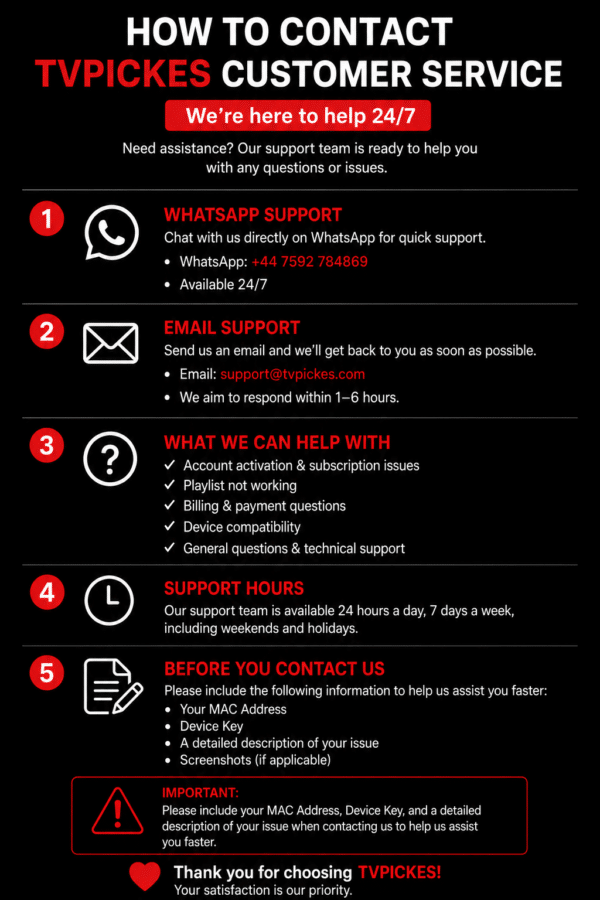
As your trusted IPTV UK provider, our relationship doesn’t end at the moment of purchase it actually begins right after. That’s why we’re always here to listen, support, and follow up with you. We are available throughout the week 7/7 to help you with any inquiry.
IPTV UK Frequently Asked Questions
- How to Buy:
Choose your subscription plan.
Select your preferred payment method: Credit/Debit Card, PayPal, Apple Pay, or Google Pay.
Complete your purchase securely and start enjoying your content immediately.
Setup Instructions for Samsung/LG Smart TV or Amazon Fire Stick
Our service uses a media controller app called ‘Smart TV App’, which is free to use for seven days. After that, a one-time donation of €5.49 (Euros) is required to support the app’s development.
Check Compatibility:
Go to the Samsung or LG Smart TV app store (or Amazon Appstore for Fire Stick).
Search for the ‘Smart TV App’.
If it does not appear on the main screen, check under ‘All Apps’ or ‘Updates’.
Setup Steps:
Launch the Smart TV App.
Note the MAC Address displayed on the screen.
From any web browser, visit: http://siptv.eu/mylist/
In the section ‘Add external playlist links (URLs)’, enter your MAC address and your unique subscription URL.
Set the ‘countries’ drop-down to ‘Various’.
Check the ‘Keep online’ box.
Click ‘Add Link’.
Restart the Smart TV App or your TV/Fire Stick.
Viewing Channels:
To view channel groups, press the blue button on your remote.
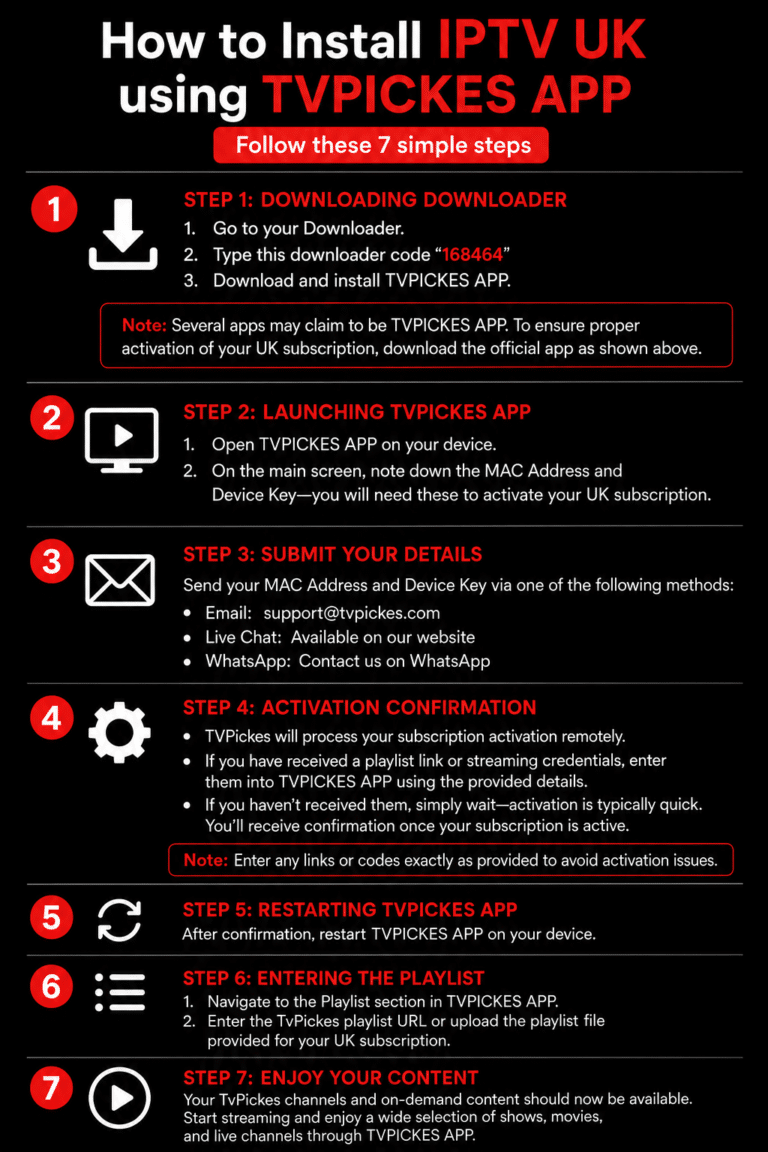
Step 1 – Download the App on Your TV (Samsung/LG)
Open your TV’s app store.
Search for ‘Smart TV App’.
Install and open the app.
Your MAC address will appear on the right side of the screen.
Step 2 – Add Your Channels
Go to http://siptv.eu/mylist/
Enter your MAC address and subscription URL.
Click ‘Add Link’.
Enjoy seamless streaming and access to a wide selection of channels and on-demand content!
Setup Your Subscription on Firestick Using the Smarters Pro App
Installing Smarters Pro on Amazon Firestick or Fire TV involves a few steps, but it’s straightforward if you follow the guide below:
Steps:
Go to the main menu of your Firestick.
Select Settings.
Click on My Fire TV.
Choose Developer Options.
Select Apps From Unknown Sources.
You’ll see a warning about third-party apps. Smarters Pro is safe, so select Turn On.
Return to the Fire TV home screen and go to the search function.
Type in “Downloader”.
Select the Downloader app from the list (usually the first result).
Click Download.
Once downloaded, click Open.
If prompted to allow Downloader to access data, click Allow.
If a Quick Start Guide appears, select OK to proceed.
Type the URL “firesticktricks.com/smarter” into the search bar.
Click Go.
Wait for the download to complete (around 80MB).
Click Install once downloaded.
Click Done after installation.
Return to the Fire TV home screen, navigate to Apps & Channels, and find the Smarters Pro icon.
Launch the app and accept the Terms of Use.
Click Add New User and select Load Your Playlist Or File/URL.
Enter your subscription login details (username, password, and playlist location).
Once your profile is created, launch it and start enjoying your content instantly.
Tip: This setup ensures you can access live channels, shows, and on-demand content quickly and reliably on your Firestick.
Setup Using XCIPTV or Smarters Pro App
For Android Devices:
Go to the Play Store.
Search for XCIPTV or Smarters Pro.
Download the app that appears first.
Open the app.
Click Add Playlist in the middle of the screen.
Click Add URL in the upper-right corner.
Enter your subscription URL (provided via email) in the Playlist URL field.
Enter a name for the playlist (e.g., “My Subscription”).
Click OK and wait for your channels to load.
Android TV (Using Perfect Player or Smart TV App):
Access the Play Store and download Perfect Player.
Launch the app.
Navigate to Settings → General → Playlist, and enter your subscription URL.
Go to EPG and enter the EPG URL, then click OK.
Return to Settings → Playback → Change System Volume.
Back in settings, select Show Channels as Group Folder.
Restart the player.
Channels will appear on the left; press the left-hand button on your remote to view all groups.
Kodi (Version 17 & Up):
Launch Kodi.
In the left menu, click TV → Add-on Browser → PVR Simple Client.
Click Configure → General.
Enter your subscription playlist URL in the M3U Playlist URL field.
Click OK and wait for channels to load.
Kodi Version 16 or Lower:
Open Kodi.
Click System → TV → General.
Enable the option (you may see a pop-up about no PVR client; select OK).
Click PVR Simple Client → Enable → Configure.
Add your playlist URL, then click OK twice.
Restart Kodi.
Return to the home screen, click TV, and enjoy your channels.
- Enjoy global TV programs on your TV with our IPTV UK subscription. Just use your Internet connection—no satellite installation required. Ensure your connection is at least 10 Mbps for smooth streaming.
Your IPTV UK subscription can be accessed on multiple devices, but only one device can stream content at a time.
- Once you get your activation email, your IPTV UK subscription starts right away. Typically, this happens within 24 hours of your order.
- Yes! When you purchase an IPTV UK subscription, you gain access to a wide range of international channels. Our service includes content from multiple countries, allowing you to enjoy global programming right from your home.
- Unfortunately, we do not offer a trial period for our IPTV UK subscription. However, we provide detailed information about each plan and its features on our website, so you can make an informed decision before purchasing.
- If you encounter any issues after purchasing your IPTV UK subscription, please contact our support team. You can reach us via email or live chat. Provide your order details and a description of the problem, and our team will assist you promptly to resolve it.